


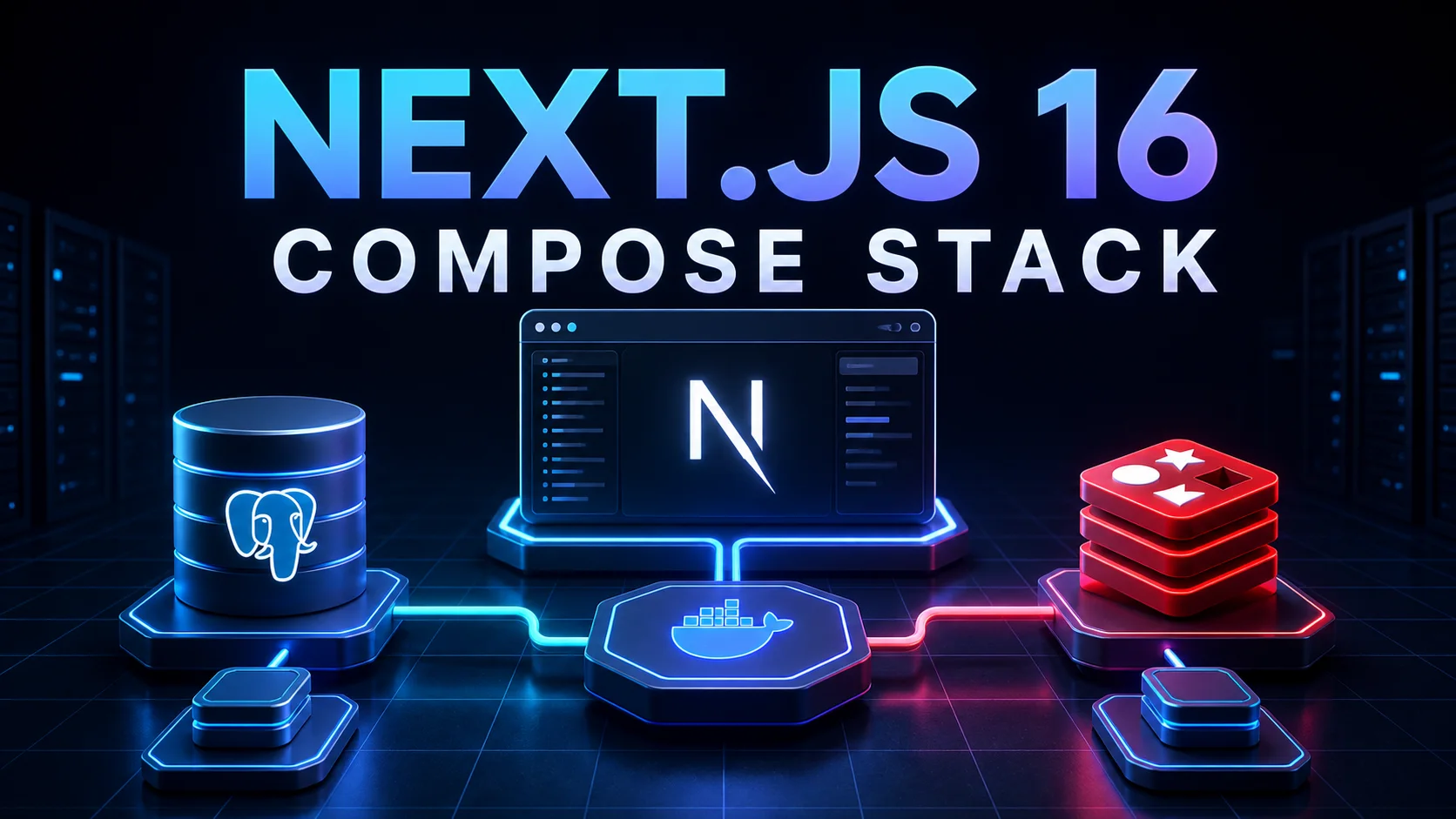
In Blog #20, we deployed a Next.js container behind Traefik. Now we will expand that educational architecture into a complete application stack by adding PostgreSQL and Redis through Docker Compose. The database layer reuses the server-only Drizzle approach from Blog #19; moving PostgreSQL into a container changes the hostname, not the application data architecture.
This repository publishes a PHP/Apache website. It has no root Next.js package, Dockerfile, Compose deployment, Traefik definition, PostgreSQL/Redis service, ORM, migrations, or health endpoint. The downloadable starter uses npm and floating latest packages, so no exact Next.js patch can be confirmed here. Everything below is an educational, pinned example for a separate Next.js 16 application; no production infrastructure is changed and Redis is not presented as mandatory.
- Blog #20Docker + TraefikPublished
- Blog #21Compose + Data ServicesCurrent
- Blog #22Redis Caching + Rate LimitingPublished
Production Stack at a Glance
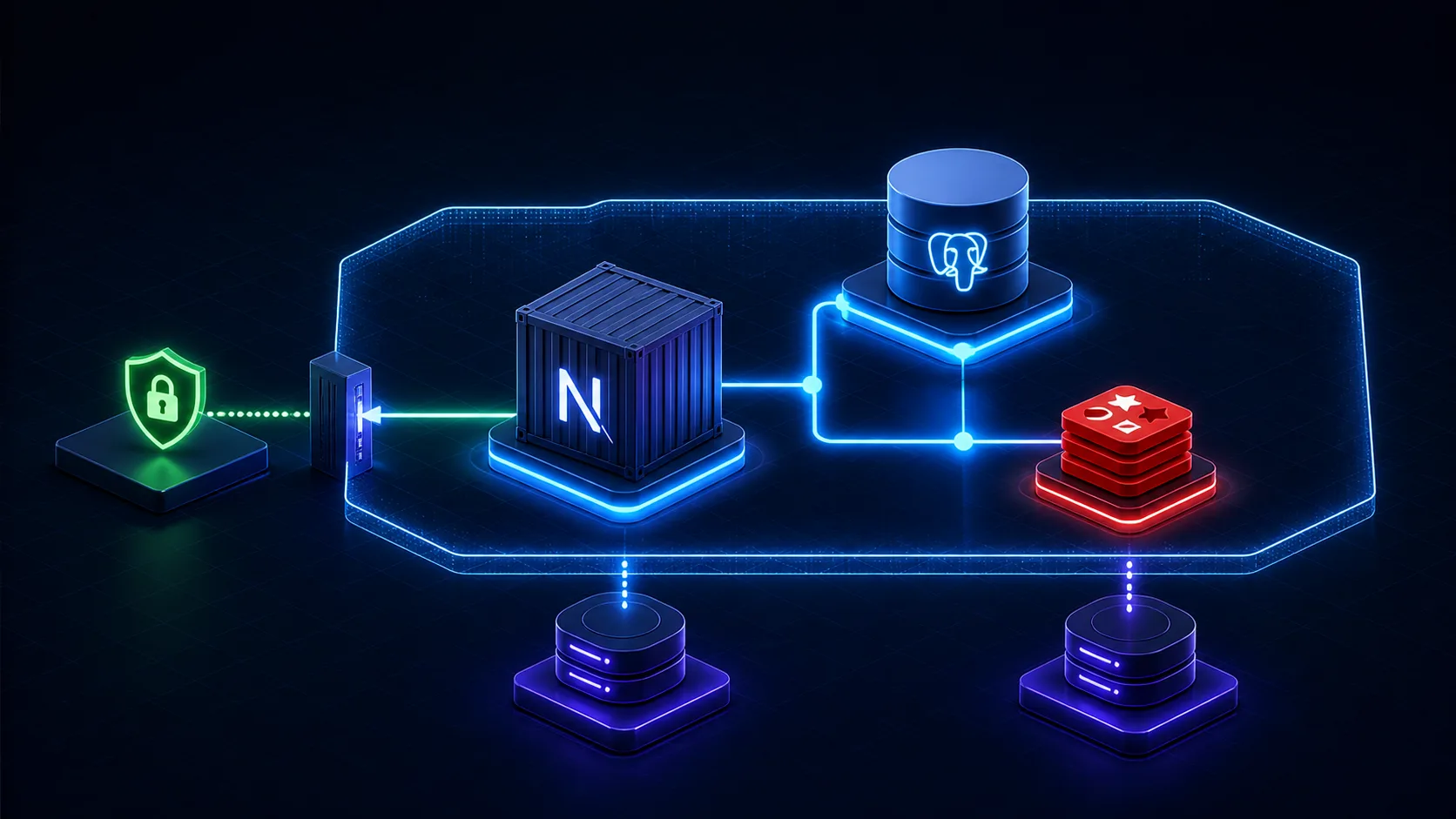
Traefik is the optional public edge. The app joins both the proxy network and a private data network; PostgreSQL and Redis join only the data network. PostgreSQL holds relational records, while Redis handles only clearly chosen fast or shared state.
HTTPS→Traefik→
Why Docker Compose?
Compose defines services, networks, volumes, health checks, environment inputs, and restart behavior in one reviewable model. Service names provide DNS discovery, named volumes outlive containers, and consistent commands make a local or one-host self-managed stack repeatable.
Where it fits
Small self-hosted systems, staging environments, integration tests, and teams that accept one-host operations.
What it does not solve
High availability, cross-host failover, managed backups, zero-downtime database upgrades, or automatic capacity planning. Compose is not Kubernetes.
Project Architecture
project/
|-- app/
|-- db/
|-- Dockerfile
|-- compose.yaml
|-- .dockerignore
|-- .env.example
`-- package.json
If Traefik already runs in shared infrastructure, keep it there. Attach the app to its existing external proxy network instead of creating a second proxy or certificate resolver.
Next.js, PostgreSQL, and Redis Services
Reuse the standalone production image from Blog #20. Pin and test image patches or digests in the real deployment. This readable example uses PostgreSQL 18 and Redis 8 major lines. PostgreSQL 18 changed the official image volume target to /var/lib/postgresql; version 17 and older use /var/lib/postgresql/data.
services:
  app:
    image: ghcr.io/OWNER/nextjs-app:${IMAGE_TAG}
    restart: unless-stopped
    env_file: [.env.production]
    expose: ["3000"]
    networks: [proxy, data]
    depends_on:
      postgres:
        condition: service_healthy
      redis:
        condition: service_healthy
    healthcheck:
      test: ["CMD", "node", "-e", "fetch('http://127.0.0.1:3000/api/health').then(r=>{if(!r.ok)process.exit(1)}).catch(()=>process.exit(1))"]
      interval: 30s
      timeout: 5s
      retries: 3
      start_period: 20s

  postgres:
    image: postgres:18-alpine
    restart: unless-stopped
    environment:
      POSTGRES_DB: ${POSTGRES_DB}
      POSTGRES_USER: ${POSTGRES_USER}
      POSTGRES_PASSWORD_FILE: /run/secrets/postgres_password
    secrets: [postgres_password]
    volumes:
      - postgres_data:/var/lib/postgresql
    networks: [data]
    healthcheck:
      test: ["CMD-SHELL", "pg_isready -U $${POSTGRES_USER} -d $${POSTGRES_DB}"]
      interval: 10s
      timeout: 5s
      retries: 5
      start_period: 30s

  redis:
    image: redis:8-alpine
    restart: unless-stopped
    command: ["redis-server", "--appendonly", "yes"]
    volumes:
      - redis_data:/data
    networks: [data]
    healthcheck:
      test: ["CMD", "redis-cli", "ping"]
      interval: 10s
      timeout: 3s
      retries: 5
      start_period: 10s

networks:
  proxy:
    external: true
  data:
    internal: true

volumes:
  postgres_data:
  redis_data:

secrets:
  postgres_password:
    file: ./secrets/postgres_password.txt
This publishes no 5432 or 6379 host ports. expose documents the app's internal port but is not a firewall; network membership and host rules define reachability. The Redis probe fits this unauthenticated educational configuration. If authentication is enabled, adapt both client and probe without leaking the credential.
Docker Networking and Service Discovery
Containers do not use localhost to reach each other. Inside the app container, localhost means the app itself. Compose DNS resolves postgres and redis because those are service names on the shared data network.
Environment Variables and Secret Flow
Keep DATABASE_URL, REDIS_URL, and AUTH_SECRET server-side, as explained in Blog #16. Never create NEXT_PUBLIC_DATABASE_URL or NEXT_PUBLIC_REDIS_URL. Commit an empty .env.example, not production values.
DATABASE_URL=postgresql://APP_USER:APP_PASSWORD@postgres:5432/APP_DB
REDIS_URL=redis://redis:6379
AUTH_SECRET=
POSTGRES_DB=APP_DB
POSTGRES_USER=APP_USER
IMAGE_TAG=replace-with-release-tagPostgreSQL and Redis Persistence
A named volume separates data from a container lifecycle. Recreating PostgreSQL can leave its volume intact, but deleting the volume, losing the disk, corruption, operator error, or host failure can still destroy data. Schedule backups, encrypt and retain copies away from the host, and practice restoration.
Redis supports RDB snapshots, AOF logging, both, or no persistence. Cache-only data may be safely rebuildable. Sessions, queues, rate-limit state, or coordination may have stricter recovery requirements. A Redis volume does not decide this policy by itself.
Health Checks, Startup Order, and Migrations
Short-form depends_on orders startup but does not mean a dependency accepts queries. Long-form condition: service_healthy waits for the declared probe. Applications should still retry transient connections with bounded backoff because dependencies can restart later. Implement a small public liveness response with the safe server boundary from Blog #10: Route Handlers; do not return credentials or detailed dependency errors.
Do not run migrations during next build or in every replica. Reuse the Drizzle configuration from Blog #19, review SQL, confirm a restorable backup, run one controlled release task, then deploy compatible code.
Redis Caching Patterns
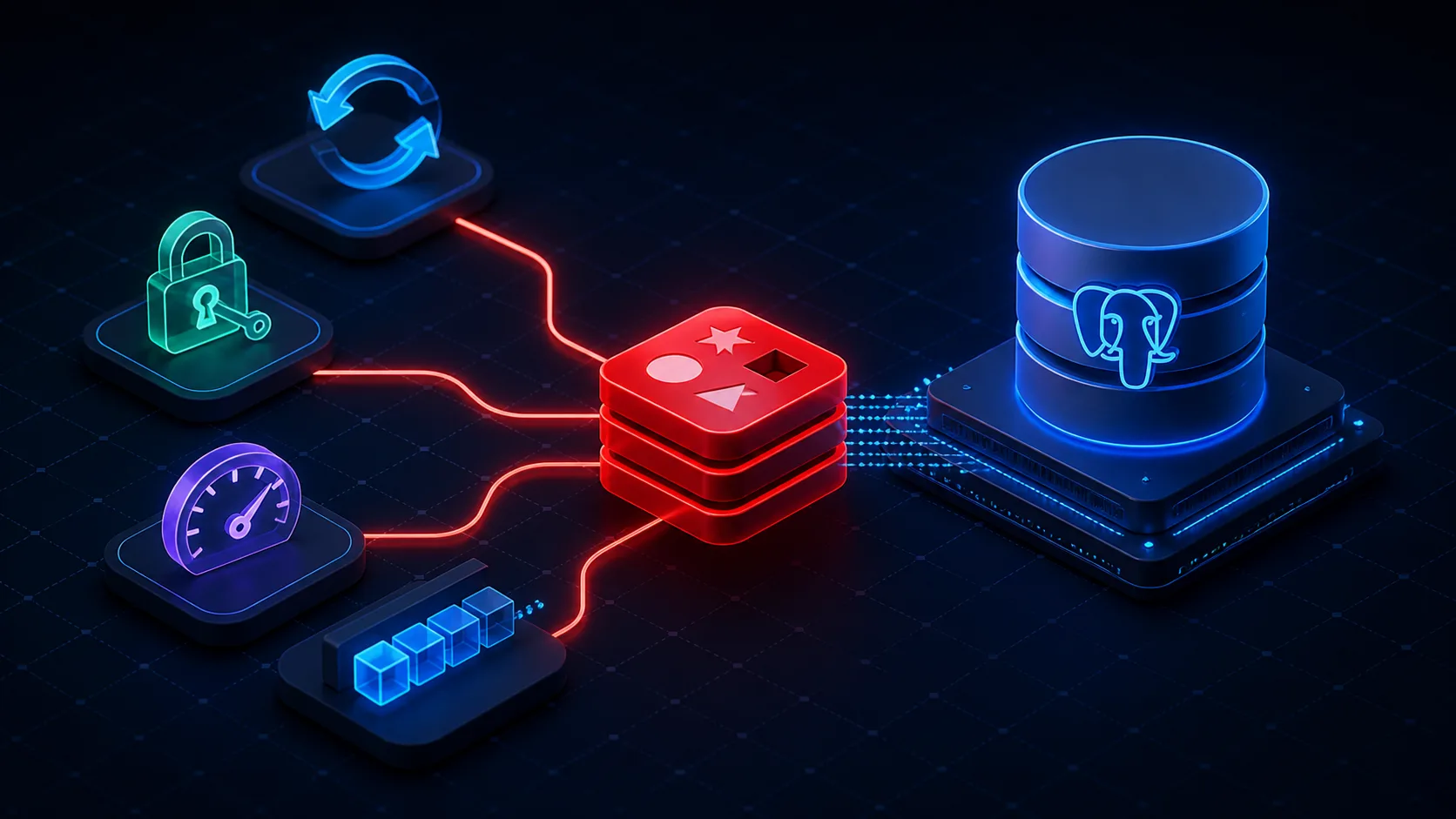
Redis application caching is separate from the Next.js framework cache in Blog #8. A cache-aside path checks Redis, loads the database or API on a miss, stores a scoped result with an appropriate TTL, and returns it. Choose expiration from business freshness needs; there is no universal TTL.
| Cache | Lives where | Typical purpose |
|---|---|---|
| Next.js framework cache | Next.js runtime/storage | Route and data rendering |
| Redis | Separate service | Shared application data |
| Browser cache | User browser | Client resources |
| CDN cache | Edge/CDN | Public delivery |
Use predictable keys such as posts:list and post:123. Scope private entries to the authorized user or tenant, never put secrets in key names, monitor memory, and design invalidation. Solve cache stampedes only when measurement shows the need.
Traefik and Multi-Instance Next.js
If Traefik owns the proxy network, add only the app to it and keep data services isolated. Point the router at port 3000 and avoid publishing the app port. For multiple Next.js instances, a generic Redis cache does not automatically coordinate framework revalidation. Current self-hosting guidance requires a compatible cache handler and tag coordination.
Production Security and Attack Surface
Keep Redis and PostgreSQL private, patch images and the host, run the app as non-root, restrict Docker socket access, protect secrets, use least-privilege database roles, apply Redis ACLs/authentication where appropriate, encrypt untrusted network traffic, and size resource limits from observed workloads. Network isolation helps but does not replace the session and authorization controls in Blog #13: Authentication, backups, or monitoring. Use Blog #29's Docker and VPS hardening audit before putting this stack on an Internet-facing host.
Backups, Resources, Logs, and Monitoring
Measure application behavior using the principles in Blog #14: Performance Optimization, and make recovery and rollback part of the release process from Blog #15: Deployment.
Recovery
- Automate PostgreSQL backups off-host
- Define Redis persistence from the use case
- Retain versioned configuration
- Practice restore and record RPO/RTO
- Test upgrades on copied data
Operations
- Monitor health, restarts, latency, disk and memory
- Set Redis maxmemory and eviction deliberately
- Rotate bounded logs without secrets
- Alert on backup failure and storage pressure
- Patch pinned images through a tested process
Common Docker Compose Errors
ECONNREFUSED localhost
Use postgres or redis, confirm the shared network, then inspect health and credentials.
App starts too early
Add health checks, long-form dependencies, and bounded application retries.
Data disappears
Verify the version-specific mount path, volume, host storage, and backup restoration.
Redis is unreachable
Check protected mode/auth, network aliases, ACLs, probe, and port assumptions.
Traefik returns 502
Confirm the proxy network, app health, internal port, router rule, and selected network.
Migration races
Remove migrations from replica startup and run one controlled release job.
Best Practices
- Audit existing managed services, networks, proxy, ORM, and Redis client before adding containers.
- Use immutable app tags and pinned, regularly updated data-service versions.
- Keep PostgreSQL and Redis off public host ports.
- Use service DNS names, not localhost or container IP addresses.
- Keep connection URLs server-side and never log credential values.
- Use health-aware dependencies plus runtime retries.
- Mount the data path matching the pinned official image major.
- Treat volumes as persistence, not backups.
- Run reviewed migrations exactly once per release.
- Add Redis only with TTL, invalidation, memory, and durability decisions.
- Monitor restore ability, not only uptime.
- Validate with
docker compose configin the real Next.js repository.
Frequently Asked Questions
How do I run Next.js with PostgreSQL and Redis in Docker Compose?
Define app, postgres, and redis services on private Compose networks, use service names in server-only connection URLs, add health checks and named volumes, and expose only the reverse proxy publicly.
Does Next.js need Redis?
No. Add Redis only for a demonstrated need such as shared caching, rate limiting, sessions, queues, locks, or repeated expensive results.
Why use PostgreSQL with Docker Compose?
Compose can provide a repeatable self-hosted database service, private networking, health checks, and persistent storage on one host. You still own upgrades, backups, monitoring, and recovery.
How does Next.js connect to PostgreSQL inside Docker?
Use the Compose service hostname postgres on port 5432. Localhost inside the app container points back to the app container itself.
How does Next.js connect to Redis inside Docker?
Use a server-only URL such as redis://redis:6379, adapted for the authentication and TLS model you actually configure.
Should PostgreSQL port 5432 be public?
Usually no when only the application needs access. Keep PostgreSQL on a private data network and use a protected administrative path when necessary.
Should Redis port 6379 be public?
Usually no. Isolate Redis from the internet and add appropriate authentication, ACLs, firewall rules, and encryption for the threat model.
What is the difference between a Docker volume and a backup?
A volume keeps data outside a container lifecycle on the same storage system. A backup is a separate, restorable copy with retention and recovery testing.
Does depends_on wait for PostgreSQL to be ready?
Short-form depends_on only establishes order. Long-form depends_on with condition service_healthy waits for the dependency health check, while the app should still retry transient failures.
How do I persist PostgreSQL data?
Mount a named volume at the path required by the pinned official image. PostgreSQL 18 and newer use /var/lib/postgresql, while 17 and older use /var/lib/postgresql/data.
Should Redis use persistence?
It depends. Rebuildable cache data may need none; sessions, queues, or important state require an explicit RDB, AOF, replication, and recovery decision.
Can Redis replace Next.js caching?
No. Redis is a separate application data service; Next.js framework caches, browser caches, and CDN caches have different responsibilities.
How do I use Redis for caching in Next.js?
Check a predictable user-safe key in server-only code, load the authoritative source on a miss, store a result with an appropriate TTL, and invalidate it when required.
Can one Compose host provide high availability?
No. A single host remains a failure domain. High availability needs replication, multiple failure domains, routing, and tested failover.
When should database migrations run?
Run reviewed migrations once as a controlled release job after confirming backup and compatibility, not independently in every app replica or during image build.
Current Official References
- Next.js self-hosting
- Next.js 16 upgrade guide
- Docker Compose startup order
- Compose services
- Official PostgreSQL image
- Official Redis image
- Redis persistence
- Redis security
Next Steps
You now have a production-minded model for a one-host Next.js Docker Compose stack: private service discovery, version-aware PostgreSQL storage, intentional Redis use, health-aware startup, controlled migrations, backups, and a narrow public edge. Apply Redis to real caching and abuse-control needs in Blog #22: Next.js 16 Redis Caching & Rate Limiting.
