


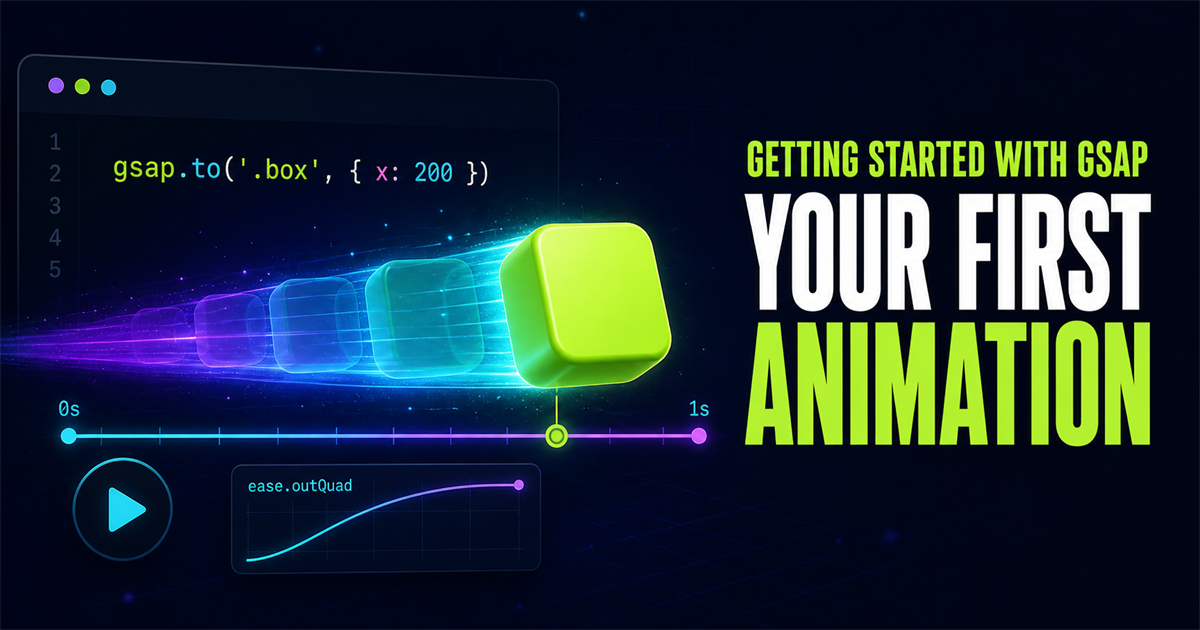
Animation can make an interface easier to understand. A panel that enters from the direction it came from, a button that confirms an action, or a card that reveals new information can guide attention without adding more words. The key is restraint: motion should support the task, not compete with it.
GSAP—short for GreenSock Animation Platform—is a JavaScript animation library that gives you precise control over movement, timing, easing, repeats, and coordinated sequences. This first GSAP tutorial focuses on the core tween syntax and one accessible interactive demo.
Move a box across the screen, rotate it once, reset it reliably, and understand every property used in the animation.
1. What is GSAP?
GSAP is a framework-agnostic JavaScript animation toolkit. It can animate ordinary HTML and CSS, SVG, canvas-related values, and plain JavaScript objects. You describe a target, its destination values, and the timing; GSAP calculates the intermediate frames.
gsap.to(".box", {
  x: 200,
  duration: 1
})
This creates a tween for every element matching .box. The to() method reads the current state and animates toward an x translation of 200 pixels over one second. GSAP applies the movement through CSS transforms rather than repeatedly changing layout coordinates.
2. What you will learn
What GSAP is and when it helps
CDN and npm installation
Targets and the vars object
gsap.to() fundamentals
x and y movement
Duration and easing
Delay, repeat, and yoyo
An accessible interactive animation
3. Install GSAP
GSAP is a browser-side JavaScript library, so it works normally on a static PHP website. PHP builds the HTML response on the server; GSAP animates that HTML after it reaches the browser.
Option A: CDN for a static PHP website
The lightest setup for this site is a script tag placed near the end of the page, before the tutorial script:
<script src="https://cdn.jsdelivr.net/npm/gsap@3/dist/gsap.min.js"></script>
<script src="/assets/js/gsap-first-animation.js"></script>
The @3 major-version URL follows the CDN pattern already used by this project and receives compatible GSAP 3 releases without pinning an old patch version. For a tightly controlled production release, you may pin the exact current version after testing.
Option B: npm for a bundled project
npm install gsapimport { gsap } from "gsap"Use npm when your application already has Vite, webpack, Parcel, or another JavaScript build step. This PHP site does not need that extra build process for the demo, so the CDN is the practical choice.
4. Understanding GSAP syntax
gsap.to(target, {
  property: value,
  duration: 1
})gsapis the library's main object.to()creates a tween from the current values to new values.targetcan be a CSS selector, DOM element, array, or JavaScript object.- The vars object contains animated properties and controls such as duration, delay, repeat, and ease.
5. Build your first interactive animation
The demo below uses one moving box and two native buttons. Play starts from a known state every time; Reset stops the current tween and returns the box to its origin.
Ready to animate.
gsap.to(".gsap-box", {
  x: 250,
  rotation: 360,
  duration: 1.5,
  ease: "power2.out"
})
The production demo caps the travel distance when the screen is narrow, kills an existing tween before replaying, and switches immediately to the final state for visitors who prefer reduced motion.
6. Animate multiple properties
gsap.to(".gsap-box", {
  x: 300,
  y: 50,
  rotation: 360,
  scale: 1.15,
  duration: 2,
  ease: "power2.out"
})| Property | What it controls |
|---|---|
x | Horizontal translation, normally measured in pixels. |
y | Vertical translation, normally measured in pixels. |
rotation | Rotation in degrees. |
scale | Relative size; 1 is the original size. |
duration | How long the tween runs, in seconds. |
ease | How speed changes between the start and end. |
GSAP combines x, y, rotation, and scale into the element's transform. If your CSS already sets a transform, test the combined result instead of assuming one will replace the other cleanly.
7. Understanding easing
Easing controls how the speed of an animation changes during its duration. Linear movement travels at one constant rate. power2.out moves quickly at first and then slows smoothly as it reaches the destination.
ease: "power2.out"Choose an ease based on meaning. An ease-out often suits an element arriving and settling. An ease-in can suggest an element accelerating away. An in-out ease works well for motion that travels between two visible states.
8. Delay an animation
gsap.to(".gsap-box", {
  x: 300,
  duration: 1.5,
  delay: 0.5,
  ease: "power2.out"
})
delay: 0.5 waits half a second before the tween begins. A short delay can coordinate motion with another event, but long unexplained pauses can make the interface feel unresponsive.
9. Repeat and yoyo
gsap.to(".gsap-box", {
  x: 300,
  duration: 1,
  repeat: -1,
  yoyo: true,
  ease: "power2.inOut"
})
repeat: -1 repeats indefinitely. yoyo: true reverses every other cycle, so the element returns smoothly instead of jumping back to the start. Infinite animation should be rare: it consumes attention and device resources and may be uncomfortable for some users.
10. Common beginner mistakes
Open the browser console and confirm the CDN request succeeds before calling gsap.to().
Load scripts near the end of the page or wait for DOMContentLoaded.
Check spelling, punctuation, and whether the expected element exists on this page.
Give meaningful movement enough time to be perceived without feeling slow.
Animate the few elements that clarify hierarchy, state, or feedback.
Review CSS transforms and other animation code that changes the same target.
Offer an immediate final state for non-essential animation.
11. Respect reduced-motion preferences
Some visitors ask their operating system to minimize non-essential motion. Read that preference and either skip the animation or reduce it substantially:
const reduceMotion = window.matchMedia(
  "(prefers-reduced-motion: reduce)"
).matches

if (reduceMotion) {
  gsap.set(".gsap-box", { x: 250, rotation: 360 })
} else {
  gsap.to(".gsap-box", {
    x: 250,
    rotation: 360,
    duration: 1.5,
    ease: "power2.out"
  })
}
The interactive example on this page follows that pattern. The buttons remain usable, but Play applies the destination immediately when reduced motion is active.
12. Mini challenge: reveal three cards
Create three cards and animate them as one group. Make each card begin lower, invisible, and slightly smaller, then finish in its normal state with power2.out.
HTML
Create a semantic container with three article elements.
CSS
Style a responsive grid and a clear visible final state.
JavaScript
Target the cards and animate y, opacity, and scale.
y: 40
opacity: 0
scale: 0.9
ease: "power2.out"Choose the appropriate GSAP method and complete the reveal. The next lessons will introduce targeting and staggered animations, so do not add stagger yet.
13. GSAP learning roadmap
Build confidence in layers. Each topic below depends on the ideas above it:
- 01GSAP Basics
- 02Target Elements
- 03gsap.to()
- 04gsap.from()
- 05gsap.fromTo()
- 06Stagger
- 07Easing
- 08Timelines
- 09ScrollTrigger
- 10Scrub
- 11Pinning
14. Frequently asked questions
What is GSAP?
GSAP is a JavaScript animation library for creating controlled, high-performance motion across HTML, CSS, SVG, canvas, and JavaScript objects.
Is GSAP free to use?
GSAP and its plugins are freely available through npm and CDNs. Review the current GSAP license when your project involves unusual redistribution or competing-product use cases.
Can I use GSAP with a PHP website?
Yes. PHP renders the page on the server, while GSAP runs in the browser. Load the GSAP script and animate the HTML elements produced by your PHP template.
Does GSAP work with HTML and CSS?
Yes. GSAP can animate CSS transforms, opacity, colors, dimensions, and many other properties on ordinary HTML elements.
Is GSAP good for scroll animations?
Yes. The ScrollTrigger plugin supports scroll-linked reveals, progress, pinning, and scrubbed animation. Learn core tweens first, then add ScrollTrigger.
15. Your GSAP foundation is ready
You now know how to load GSAP, create a tween, select a target, animate transform properties, control duration and easing, delay a start, repeat an animation, reset an interactive demo, and respect reduced-motion preferences. Those fundamentals power everything that follows, from subtle interface feedback to larger storytelling sequences.
When you need production help beyond the tutorial, explore NavTechSolution's GSAP animation development service or learn more about our web design approach.
