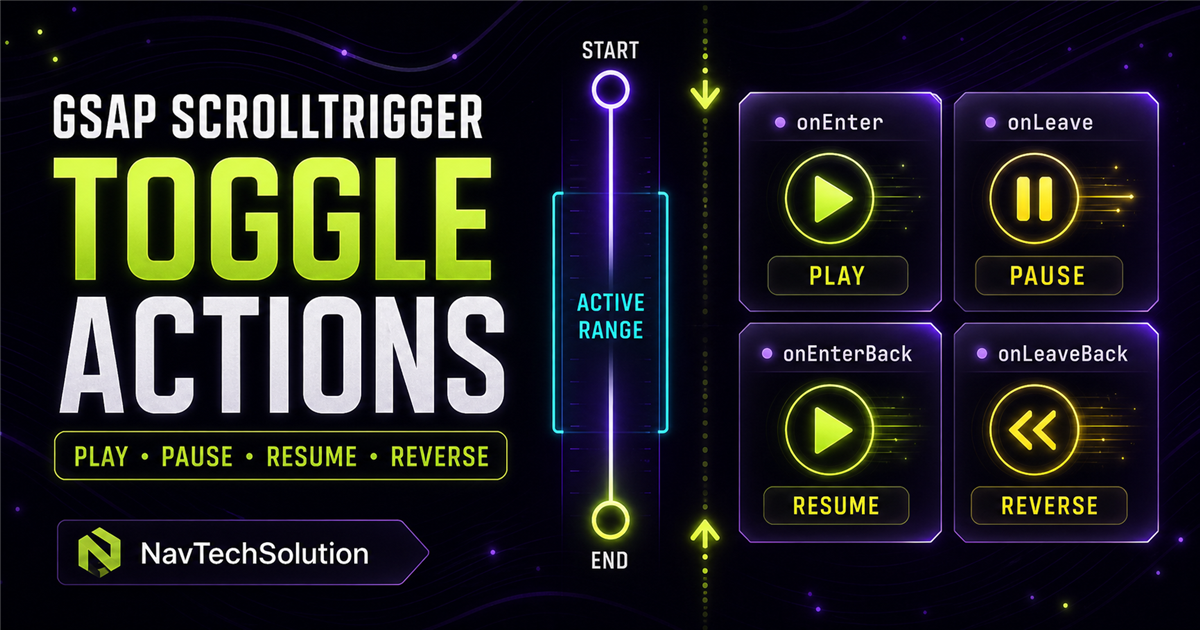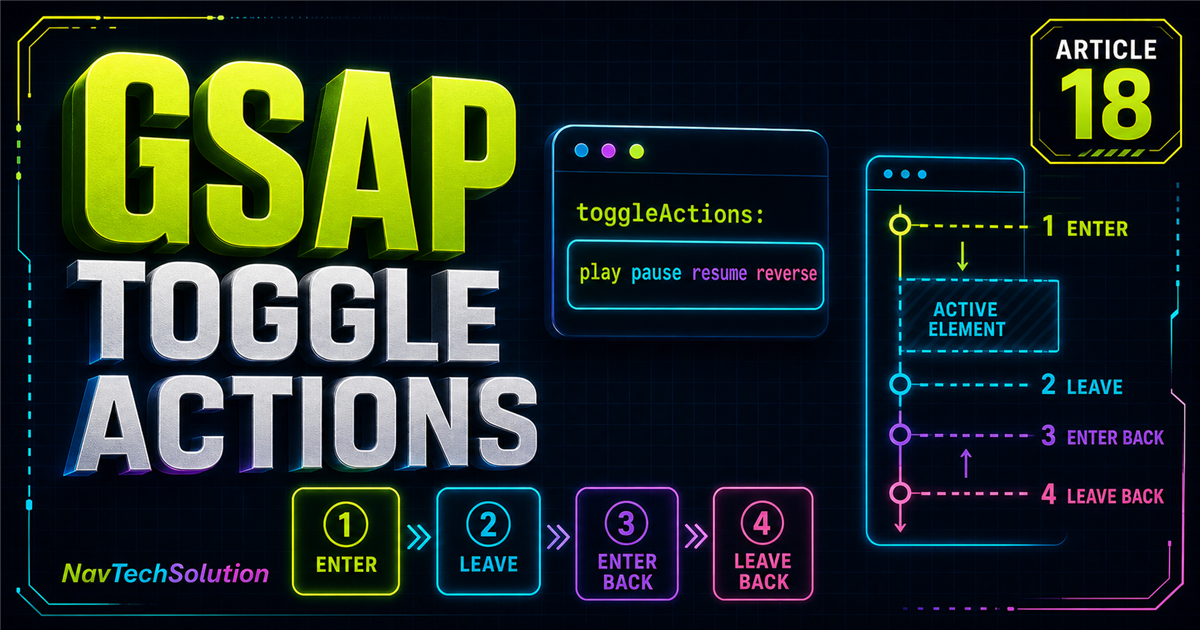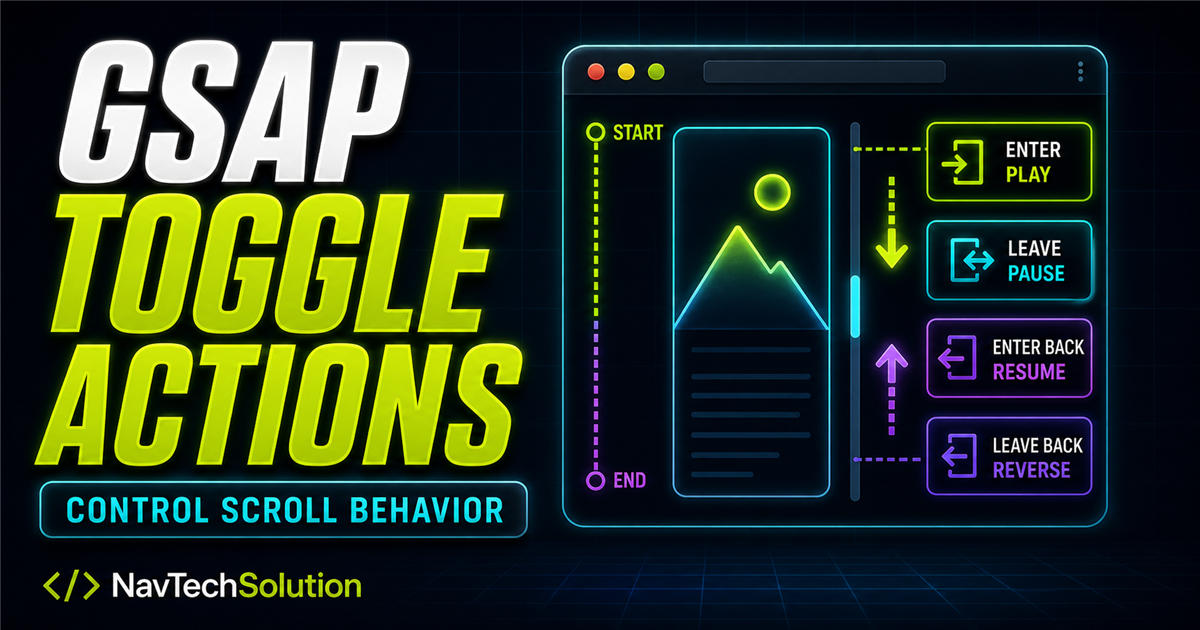
scrub makes scroll progress the playhead. pin holds content in place. toggleActions is different: it runs commands when the scroll position crosses a trigger's start or end boundary.
This lesson builds on GSAP easing, timeline sequencing, timeline controls, the position parameter, timeline stagger, ScrollTrigger fundamentals, start and end positions, and scroll-linked scrub.
gsap.from(".feature", {
  y: 50,
  opacity: 0,
  scrollTrigger: {
    trigger: ".feature",
    start: "top 80%",
    end: "bottom 20%",
    toggleActions: "play pause resume reverse"
  }
});
1. What is toggleActions?
It is a four-command string. Each command belongs to one boundary event, and order is the entire mental model.
2. The four positions
toggleActions: "play pause resume reverse"Cross START while scrolling down
Cross END while scrolling down
Cross END while scrolling up
Cross START while scrolling up
3. Read an action string from left to right
"play pause resume reverse" means play on entry, pause after the end, resume when returning through the end, then reverse after moving back above the start.
4. Available actions
playContinue forward from the current position
pauseStop at the current position
resumeContinue after a pause
reverseAnimate backward from the current position
restartReturn to zero and play
resetReturn to zero and pause
completeJump to the completed state
noneTake no action
5. Useful beginner patterns
play none none nonePlay once on first entryplay none none reversePlay entering, reverse above startplay pause resume reverseControl every boundaryrestart none none noneReplay from zero on every entryplay none none resetPlay entering, jump back above start6. Interactive Action Decoder
7. Live boundary demo
Scroll through the stage in both directions. The current event is announced without making the content depend on motion.
Waiting for a boundary...
8. toggleActions versus scrub
Scrub continuously owns progress. Combining it with toggle actions is possible but often confusing because both features try to influence the same playhead.
9. toggleActions versus pin
10. Timeline control
Attach one ScrollTrigger to a timeline to control the whole sequence as a unit.
const tl = gsap.timeline({
  scrollTrigger: {
    trigger: ".service-story",
    start: "top 75%",
    end: "bottom 25%",
    toggleActions: "play none none reverse"
  }
});

tl.from(".label", { y: 15, opacity: 0 })
  .from(".title", { y: 35, opacity: 0 })
.from(".cards", { y: 30, opacity: 0, stagger: 0.1 });11. Practical section examples
Services built to move ideas forward
Use one scoped timeline for the heading and cards.
Reveal a label, heading and supporting paragraph once.
Reverse cards naturally when scrolling back above the section.
12. Similar actions, important differences
13. Event logger
- Logger ready
14. Main toggleActions Lab
Control Scroll Events
Choose four actions, rebuild only this lab, then cross its boundaries.
Lab ready.
15. Start, end and scroll direction still matter
16. Common mistakes
- Providing fewer than four action positions.
- Mixing up
onLeaveandonLeaveBack. - Using an unsupported action name.
- Expecting toggleActions to behave like scrub or pin.
- Using reset where a visible jump causes flashing.
- Rebuilding a demo without killing only its old trigger.
- Leaving markers enabled in production.
- Hiding essential content before JavaScript runs.
17. Debugging checklist
18. Performance, accessibility and mobile
Prefer transforms and opacity, keep entrances short, avoid a trigger for every small word, and test quick direction changes on touch devices. Content remains visible when JavaScript fails.
This tutorial detects prefers-reduced-motion, skips repeated scroll-controlled animation, and leaves every heading, card and control readable.
19. Mini challenge
Control Scroll Events
Play this animation when entering and reverse it when scrolling back above.
20. Quick reference
| Action | Behavior |
|---|---|
play | Continue forward from the current position |
pause | Stop at the current position |
resume | Continue after a pause |
reverse | Animate backward from the current position |
restart | Return to zero and play |
reset | Return to zero and pause |
complete | Jump to the completed state |
none | Take no action |
| Position | Event |
|---|---|
| 1 | onEnter |
| 2 | onLeave |
| 3 | onEnterBack |
| 4 | onLeaveBack |
21. Cheat sheet
toggleActions: "play pause resume reverse"22. Final mental model
23. Three original post designs
These alternate NavTechSolution visuals reinforce the same four-event model without relying on external screenshots.